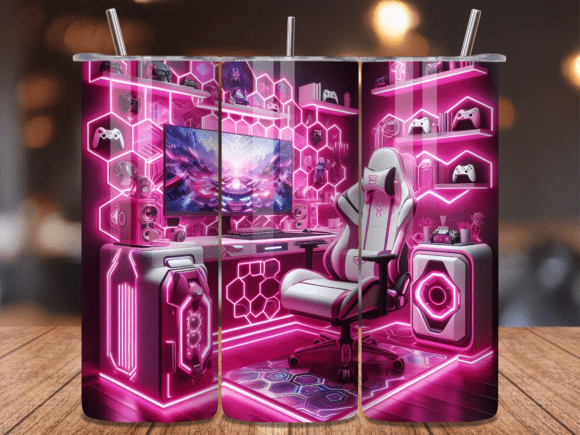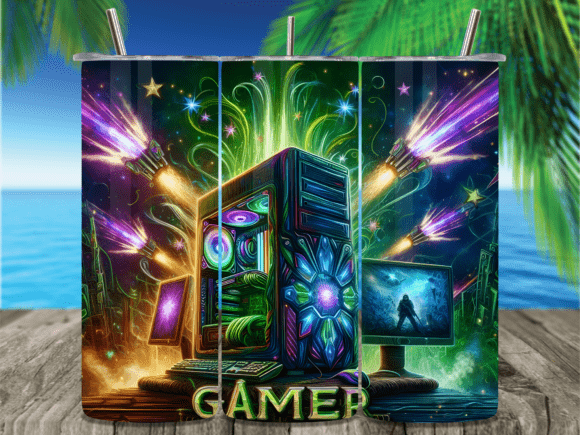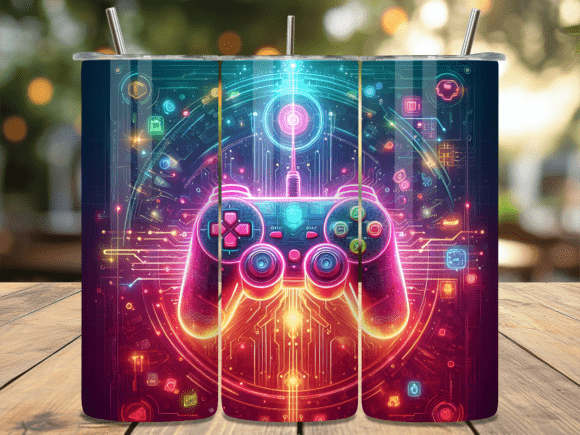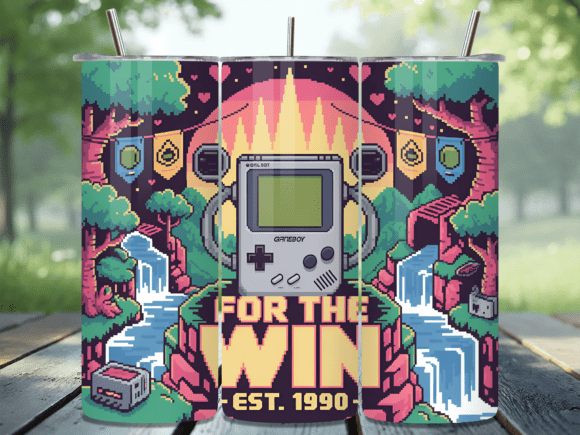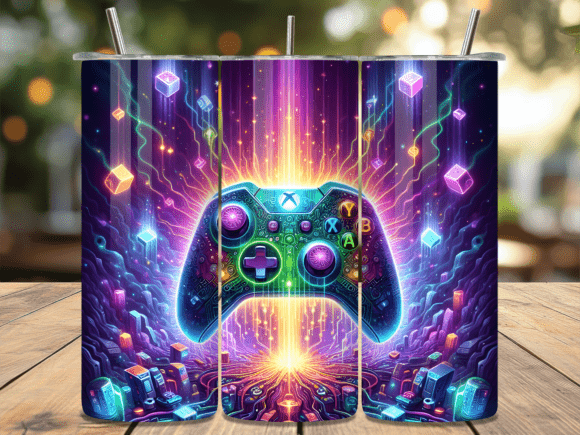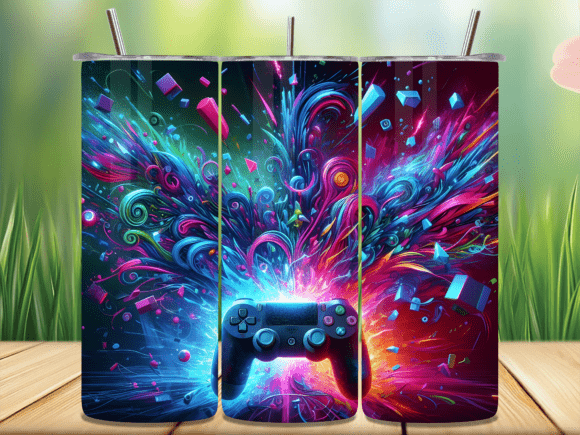
Abstract Explosive Gaming Tumbler Wrap – A Practical Guide for Your Next Project
If you create custom tumblers—whether as a hobbyist, a small business owner, or a gift-maker—you know the right design can make or break the final piece. The Abstract Explosive Gaming Tumbler Wrap offers a dynamic, bold aesthetic that appeals to gamers, pop culture fans, and anyone who loves high-energy visuals. But before you download, print, and press, there are a few practical details that separate a smooth project from one that leaves you frustrated.
This guide walks through common mistakes, overlooked details, and better approaches so you get the results you want on your 20 oz skinny tumblers.
What Makes This Wrap Different
The Abstract Explosive Gaming Tumbler Wrap is a digital design file, delivered as a PNG with 300 dpi resolution. You receive two variants: one for straight-walled tumblers and one for tapered tumblers. The dimensions—9.3 inches by 8.2 inches—are specifically tailored to fit standard 20 oz skinny tumblers. Because it is a digital product, nothing ships to your door. You download the files and apply them using sublimation, adhesive vinyl transfer, or another method you prefer.
Understanding what you are getting matters more than you might think. Many people assume all tumbler wraps are universal. They are not. Using a straight-wall design on a tapered tumbler, or vice versa, leads to misalignment, wrinkling, or gaps. That is why the inclusion of both file types is not a bonus—it is a requirement for anyone working with different tumbler shapes.
Mistake: Assuming Straight and Tapered Are Interchangeable
The most common error I see involves treating straight and tapered wraps as if they work on any 20 oz skinny tumbler. They do not. A straight-walled tumbler has consistent diameter from top to bottom. A tapered tumbler narrows as it goes down. If you use the straight file on a tapered cup, the design will not align properly at the bottom edge. You will either have excess material or a gap that forces trimming or repositioning.
Better approach: Before you open the file, confirm the shape of your tumbler. Measure the top diameter, bottom diameter, and the height. Then select the corresponding PNG file. This simple check eliminates the most common fit issue.
If you buy blanks in bulk and they vary slightly between batches, measure each batch. Even tumblers labeled as the same size can have subtle differences. The straight file is designed for truly straight walls, and the tapered file is designed for cups that narrow within the typical range for 20 oz skinny tumblers.
Mistake: Overlooking the Digital Download Format
Because the Abstract Explosive Gaming Tumbler Wrap is a digital download, there is no physical sample to inspect. Some buyers expect a printed proof or a physical test sheet. That is not how digital designs work. You are purchasing the right to download high-resolution PNG files, not a pre-printed wrap.
This misunderstanding leads to two problems. First, people do not check their printer calibration or their sublimation paper compatibility until after they have already committed to a full production run. Second, they assume the colors on their monitor will match exactly what prints, which is rarely true without proper profiling.
Better approach: Download the files immediately after purchase. Open them in your design software, not just a generic image viewer, so you can inspect the layers, resolution, and color space. Then print a small test section on plain paper to check proportions against your tumbler. Once you are satisfied, move to sublimation paper or your chosen transfer medium.
Keep the test simple. Wrap the paper print around the tumbler to see if the 9.3 x 8.2 inch dimensions map correctly. If you notice the design runs off the edge or leaves too much blank space, you can adjust your printer scaling before wasting sublimation ink.
Mistake: Misunderstanding Resolution and Print Quality
The 300 dpi resolution is excellent for sublimation, but only if you maintain it during the printing process. Some people inadvertently resize the image in their software, reducing the dpi to 150 or lower. The result is a blurry, pixelated wrap that looks nothing like the sharp abstract explosive patterns you expected.
Better approach: When you import the PNG file into your design software, verify the dimensions and dpi before making any adjustments. If you need to scale the image, do so proportionally, and do not reduce it below 300 dpi. If your software alerts you that resizing will lower resolution, reconsider. It is better to have a design that fits perfectly at native size than one that you squeezed into a different aspect ratio.
Also, check that your printer settings match the file. Select the highest quality print mode for sublimation, and ensure the paper type is set correctly. Many print errors blamed on the design are actually printer misconfiguration issues.
Mistake: Ignoring the Seamless Nature of the Wrap
The listing describes the design as seamless, meaning the pattern repeats or aligns so that the two ends match when wrapped around the tumbler. This is a major advantage. A non-seamless wrap leaves a visible line where the design cuts off.
The mistake people make is not verifying that the seamless property holds with their specific application method. If you are using sublimation, the heat press can cause slight stretching or shrinking of the paper. That small distortion can break the seamless alignment, leaving a thin line or a pattern mismatch.
Better approach: Before you commit to the final press, do a dry test. Wrap the printed sublimation paper around the tumbler and tape it in position. Check where the seam falls. If you see any misalignment, adjust the paper positioning or consider using a slightly overlapping tape technique to hold the seam in place during pressing. Some creators also lightly mist the back of the sublimation paper with adhesive spray to prevent shifting.
For vinyl or adhesive transfers, test the wrap alignment before peeling the backing. Place the entire wrap on the tumbler without removing the transfer tape to see if the seam lands smoothly.
Mistake: Purchasing the Wrong Type of Tumbler
Not all 20 oz skinny tumblers are created equal. Some have a wider top rim, some have a tapered body that is more dramatic, and some are coated with materials that do not accept sublimation evenly. The Abstract Explosive Gaming Tumbler Wrap is designed for standard 20 oz skinny tumblers, but you still need to confirm compatibility.
Better approach: Buy your tumblers from a supplier that provides exact dimensions. Compare the tumbler height and circumference to the 9.3 x 8.2 inch design. If your tumbler is slightly taller or shorter, you may need to adjust the design placement—centering the explosive pattern so the most impactful part is visible above the cup holder or below the lid.
Also, consider the coating. Sublimation works best on polyester-coated tumblers. If your tumbler is bare stainless steel or has a matte finish that is not polymer-coated, the design will not adhere. Test a small area with a scrap print before doing a full wrap. This will save you from pressing a beautiful design onto a cup that rejects the ink.
Mistake: Rushing the Application Process
Sublimation and vinyl application both reward patience. Rushing leads to bubbles, wrinkles, misalignment, or uneven heat distribution. The Abstract Explosive Gaming Tumbler Wrap has an intricate, high-contrast pattern. Imperfections are more visible on complex designs than on plain ones.
Better approach: Follow a consistent application workflow. Clean the tumbler surface with isopropyl alcohol to remove oils and dust. When you wrap the printed paper or vinyl, use a squeegee or a felt edge tool to smooth out air pockets. If you are using a heat press, preheat the tumbler for about 30 seconds to drive out moisture, then apply the wrap according to your press settings.
Common settings: Most sublimation presses for tumblers use between 375°F and 400°F, with a dwell time of 45 to 90 seconds, depending on the press model and the tumbler coating. Use a silicone pad or a tumbler wrap attachment to apply even pressure. Uneven pressure is the leading cause of ghosting or faded areas in the final design.
Mistake: Forgetting to Check Color Expectations
The explosive, abstract gaming aesthetic relies on vibrant, saturated colors. If your printer or sublimation paper is low quality, the final result can look washed out or muddy. Some buyers expect the colors to pop exactly like the preview image on their screen, but monitor color calibration varies widely.
Better approach: Calibrate your monitor if you are serious about color accuracy. Use a hardware calibrator or at least adjust your display settings to a standard sRGB profile. Additionally, use sublimation paper designed for high-density ink load. The design's 300 dpi PNG holds a lot of color information, but if your paper bleeds or your printer driver reduces saturation, you lose that detail.
Print a small swatch test before the full wrap. Compare the printed swatch to the on-screen preview under good lighting. If the colors are significantly off, adjust your printer's color profile or switch to a different sublimation paper brand.
Practical Checklist Before You Press
Before you apply the Abstract Explosive Gaming Tumbler Wrap to your 20 oz skinny tumbler, run through this quick checklist:
- Confirm your tumbler is straight or tapered, and select the matching PNG file.
- Verify the tumbler dimensions match the 9.3 x 8.2 inch design range.
- Check that your tumbler surface is compatible with sublimation or your chosen method.
- Print a paper test to check alignment and fit.
- Inspect the seamless alignment at the seam point.
- Calibrate your printer and use high-quality sublimation paper.
- Preheat the tumbler and apply even pressure during the press.
Following this checklist does not guarantee perfection on the first try, but it dramatically reduces the risk of ruining materials. You can always adjust your technique with experience, but starting with the right file and the right preparation is half the battle.
Why the Abstract Explosive Gaming Tumbler Wrap Works for Creators
For small business owners, this design appeals to a specific, engaged audience. Gamers and pop culture enthusiasts recognize and appreciate the high-energy abstract aesthetic. It is not a generic floral or marble pattern—it has personality. That means it stands out in a market filled with common themes. If you sell at markets or online, offering a design that resonates with a passionate niche can differentiate your product.
For hobbyists, the digital download format means you can make one for yourself or as a gift without minimum order quantities. You control the quality, the application method, and the tumbler blank. The 300 dpi PNG files give you flexibility to adjust placement or combine the design with other elements if you have editing skills.
A Final Perspective on Digital Design Files
Digital products like the Abstract Explosive Gaming Tumbler Wrap are a cost-effective way to access professional-level designs. You are not paying for packaging, shipping, or inventory. You are paying for the creative work and the convenience of immediate download. The trade-off is that you take on the responsibility of correct sizing, printing, and application.
Approach each step deliberately. Measure your tumbler. Choose the correct file format. Test before you commit. Adjust your settings based on your equipment. And when the design presses onto that tumbler with perfect alignment and vibrant color, you will have created something that looks custom-made—because it is.